Follow the complete local-first workflow, understand the settings you can control, and see where Chrome or the source website sets a capability boundary.
Configure UploadFlow
Choose how UploadFlow fits your workflow.
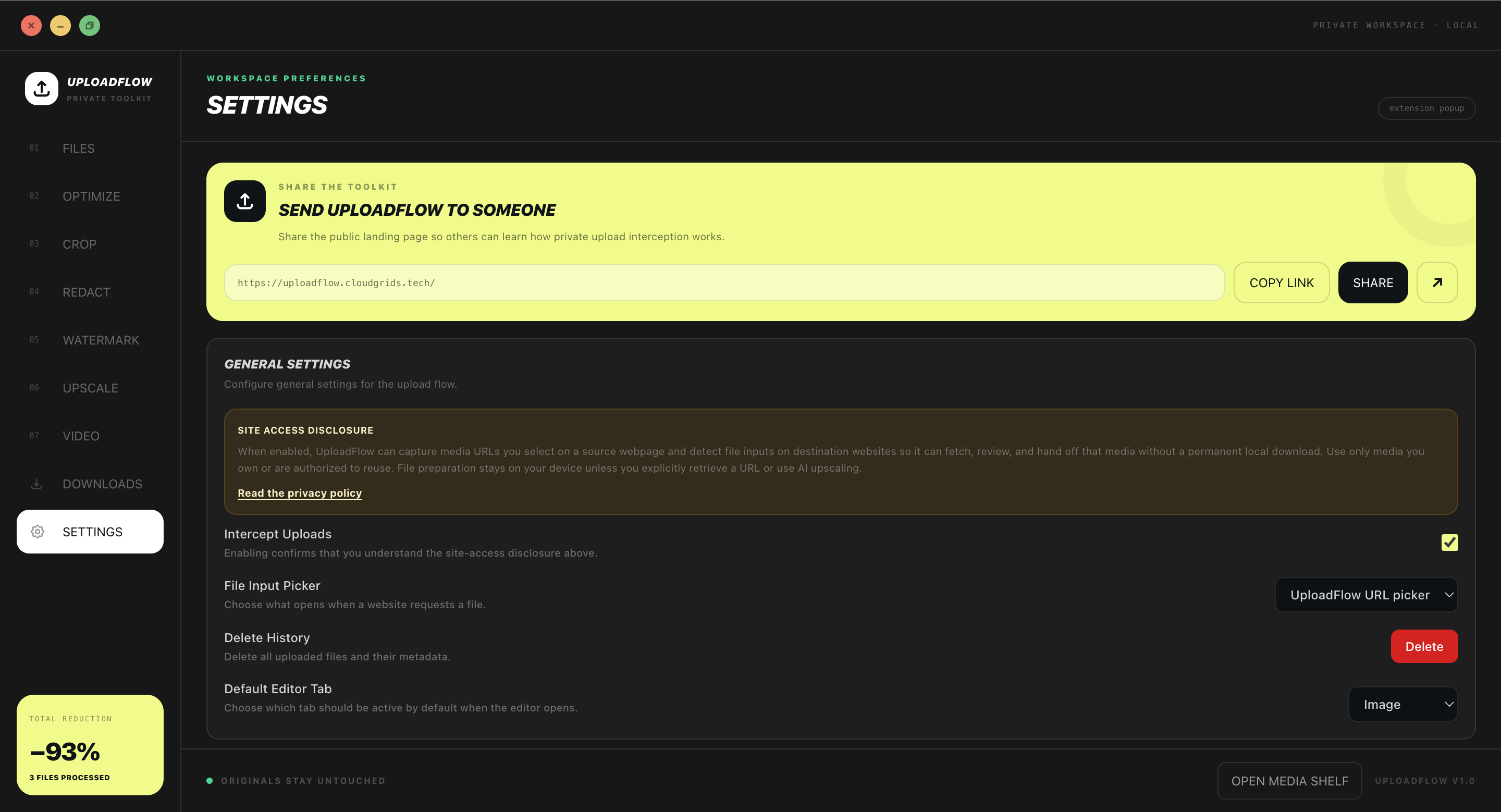
Settings define when UploadFlow appears, where files come from, and which reusable defaults are available. They do not publish, submit, or permanently alter source media by themselves.
Choose whether UploadFlow remembers explicit captures, transformations, versions, and deliveries as local workflow metadata.
It is optional and does not record general browsing activity.
Choose a 7, 30, or 90-day retention period.
Export the local record, remove one destination’s history, or erase everything.
01 · Capture
Ready in build
Collect an authorized source
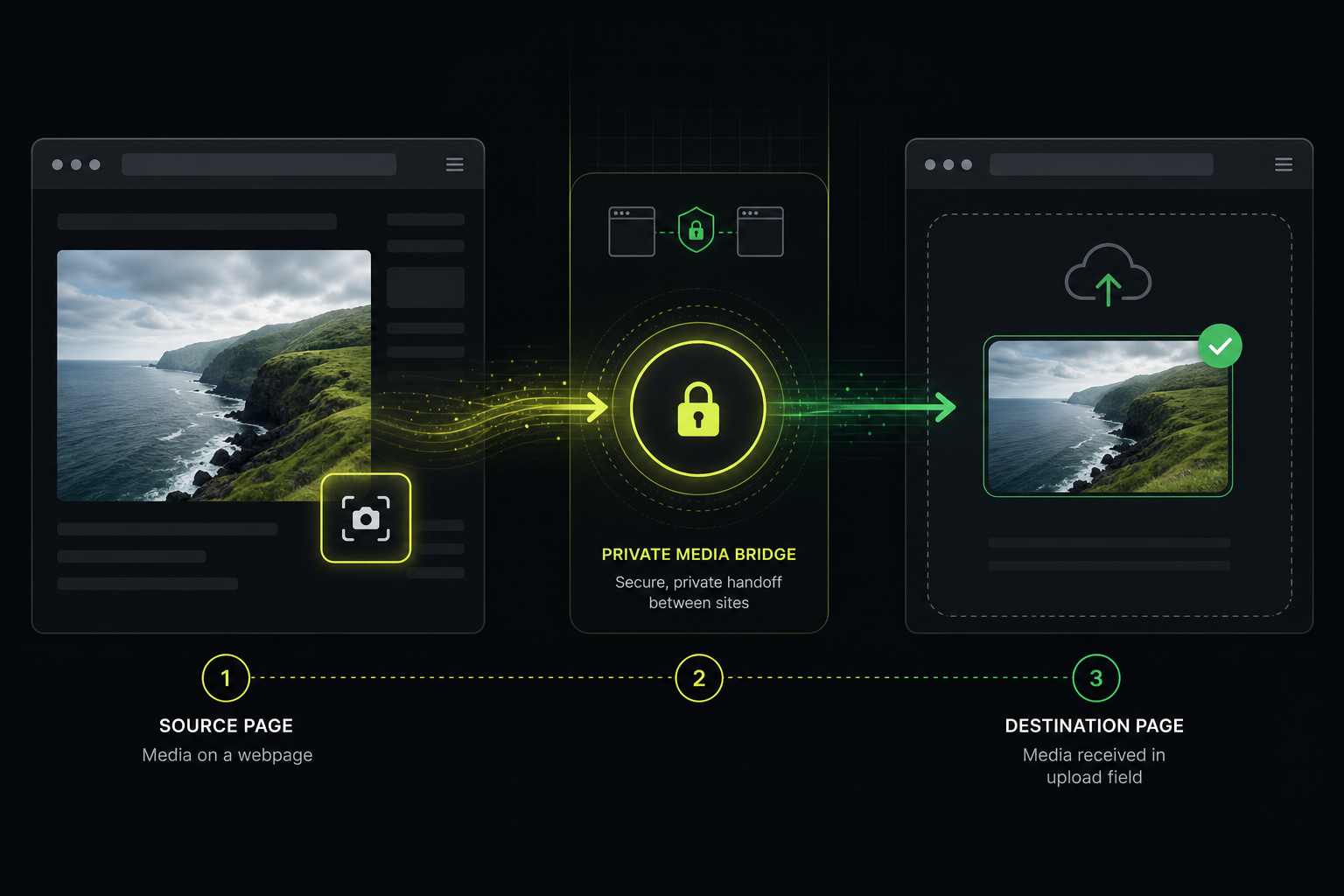
Enable Inspect Mode for hover controls, use the UploadFlow context menu, or paste a direct media URL. UploadFlow stores a bounded source reference rather than silently downloading every file.
Images, video, audio, and media links
Optional hover inspection and right-click capture
Signed and protected URLs remain subject to source access rules
Ready in build · Extension workspace
02 · Organize
In beta
Keep media available across tabs
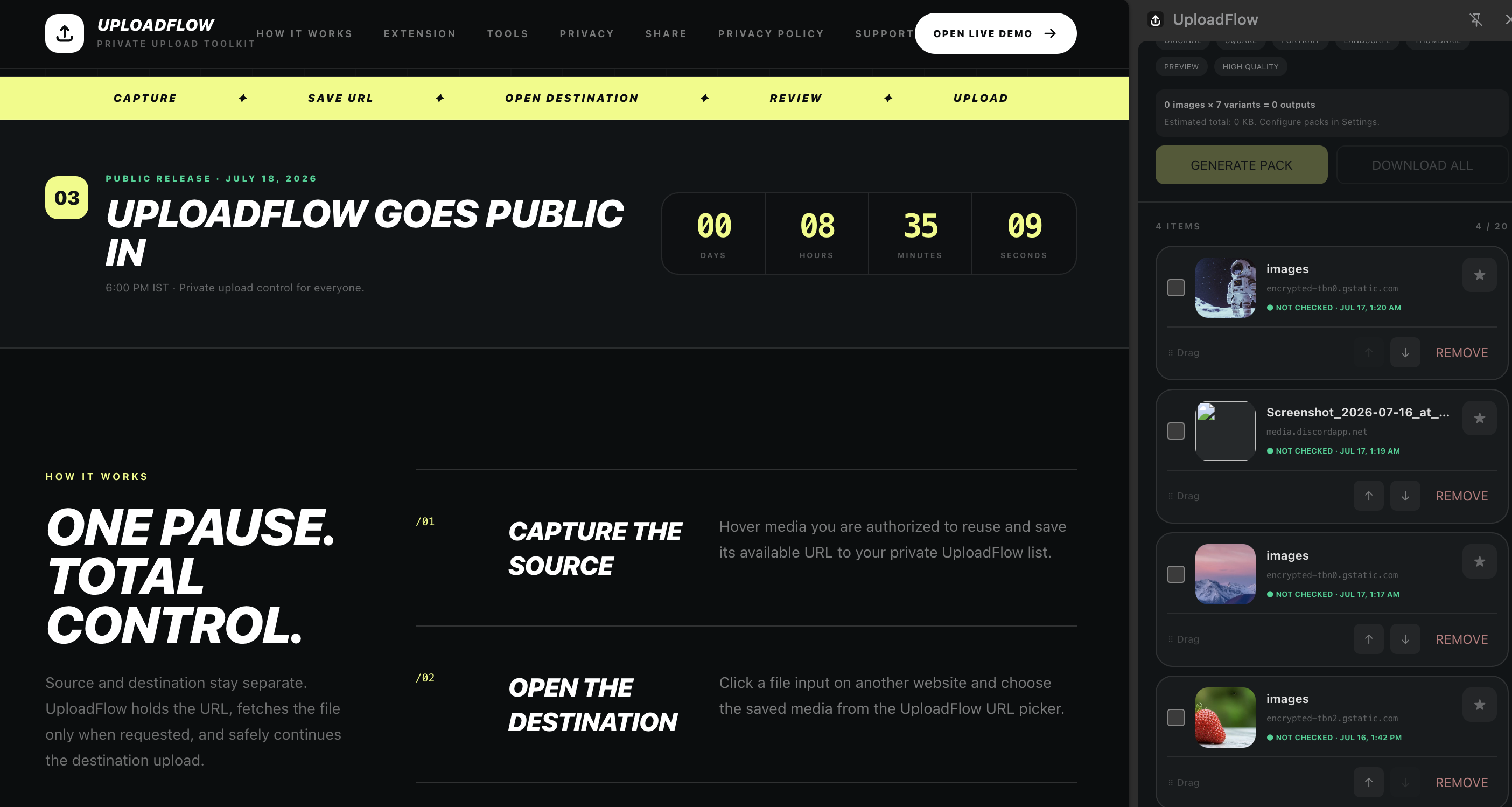
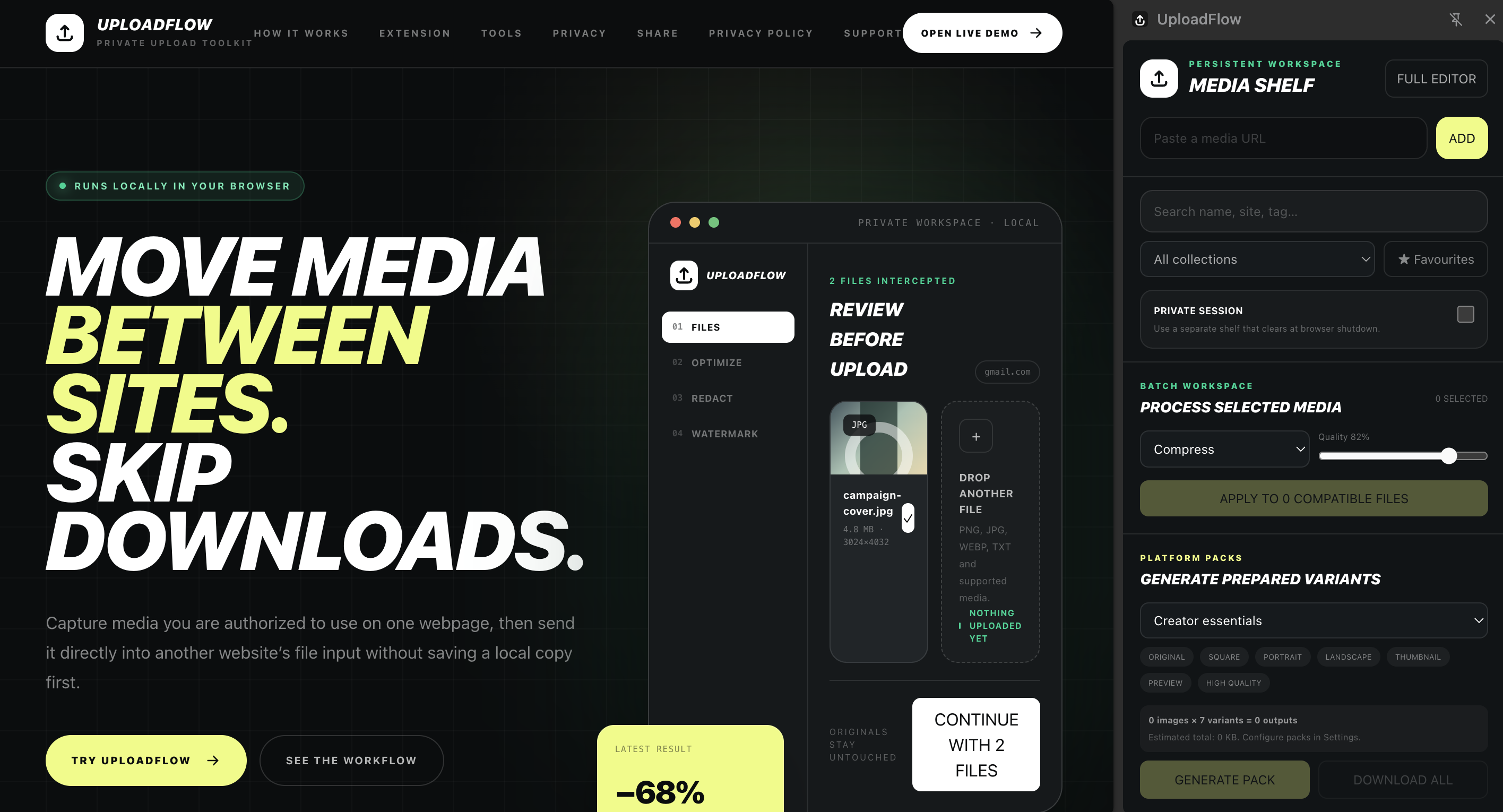
The persistent side panel uses the same local shelf as the picker and editor. Search, tag, favourite, collect, select, and track work while moving from source to destination websites.
Bounded local shelf of source references
Collections, tags, favourites, and multi-select
Queue progress, retry, cancellation, and completed-item removal
In beta · Extension workspace
03 · Prepare
In beta
Choose the depth the task needs
Use quick actions in the popup, manage several items in the side panel, or open the full workspace. Settings control interception, pickers, editor defaults, presets, brand kits, packs, and optional history.
Optimize and convert images
Crop, redact, watermark, upscale, or prepare supported video
Destination presets, filename templates, and reusable brand kits
Working development build · Settings workspace
04 · Optimize
Ready in build
Make images upload-ready
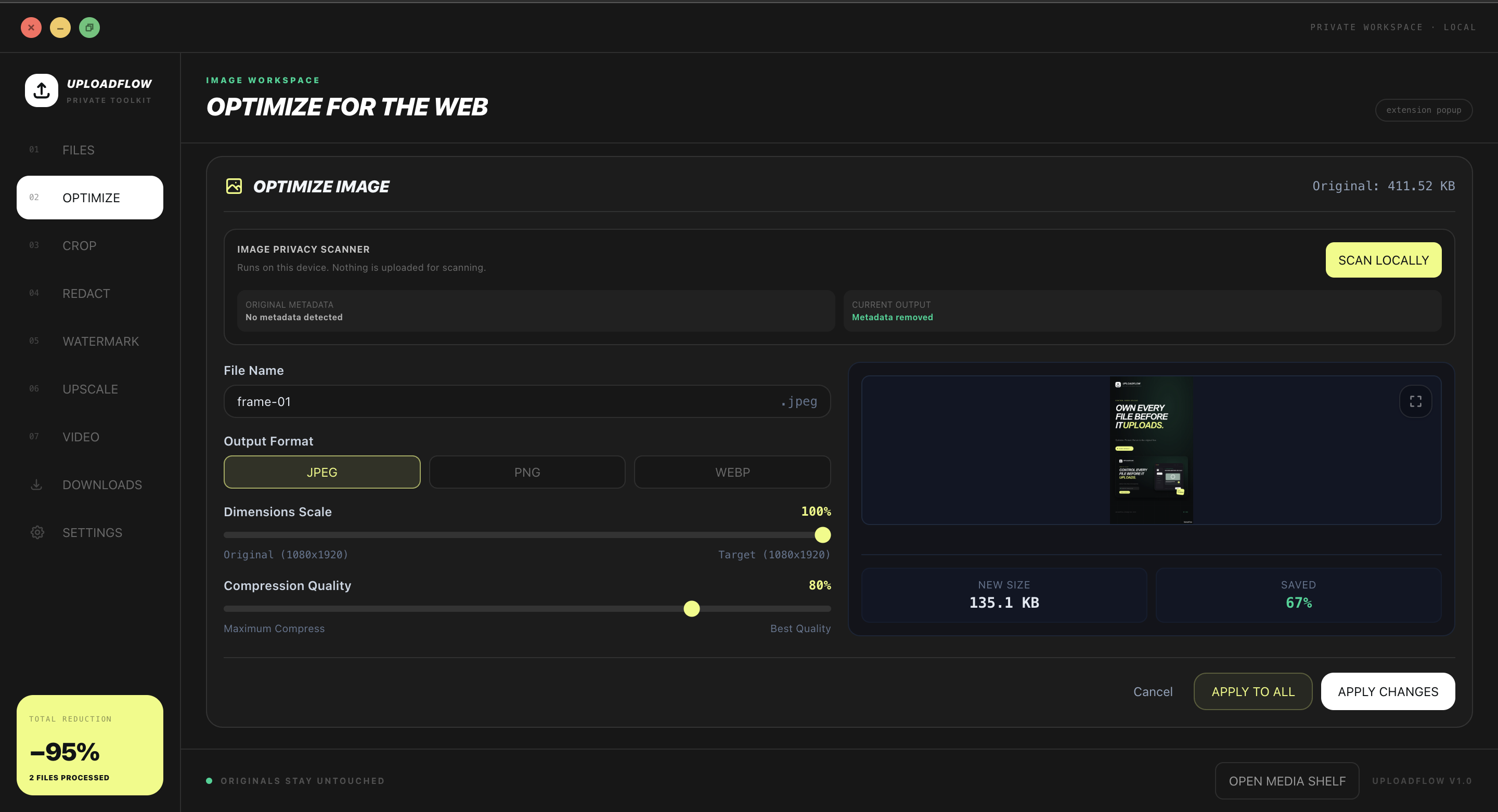
Resize, compress, convert, rename, and remove supported metadata while comparing the current output against the original.
JPEG, PNG, and WebP output choices
Independent dimension and quality controls
Local metadata scan and clean export
Released feature · Current Optimize workspace
05 · Compose
In beta
Crop for the destination
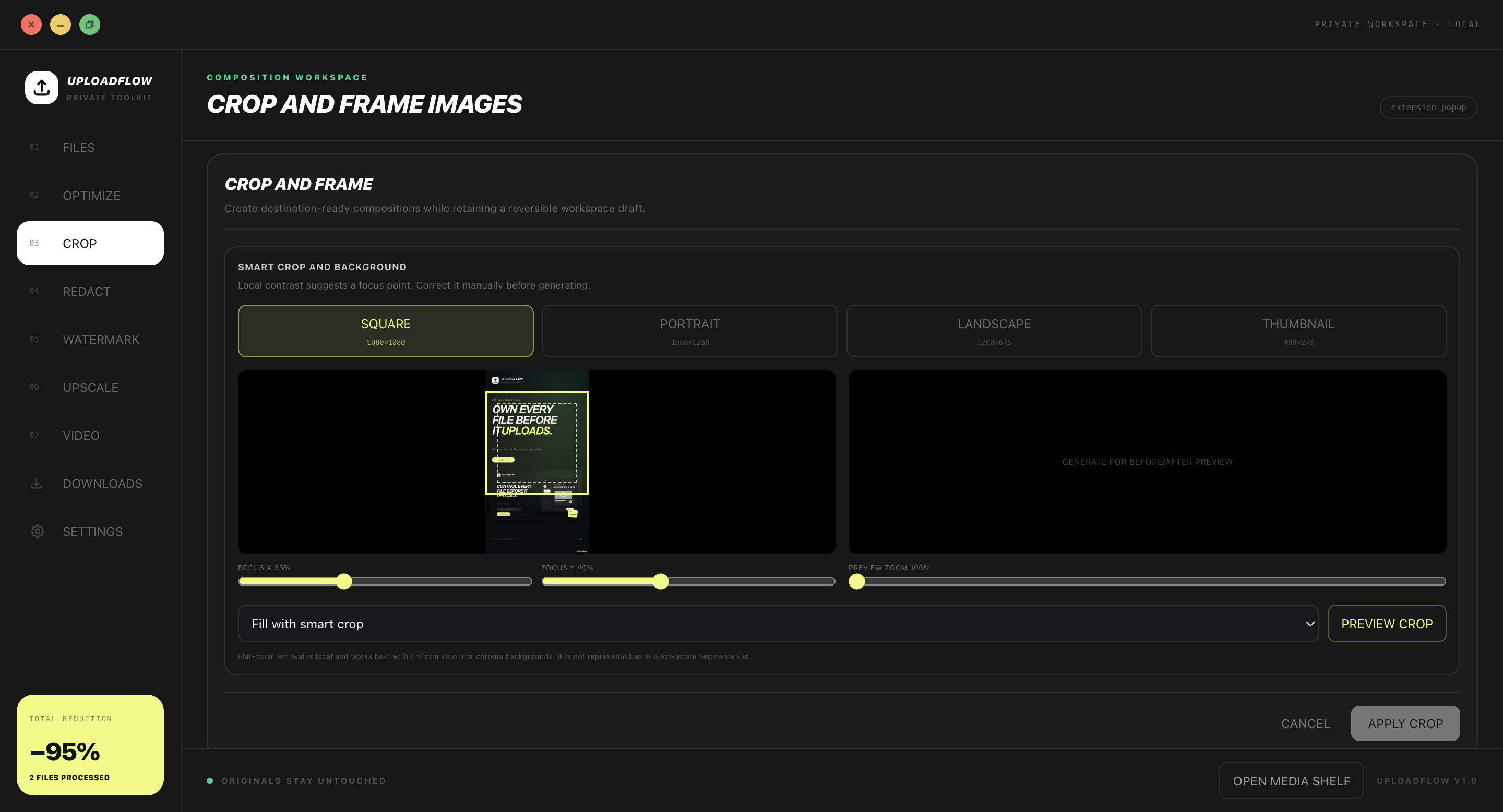
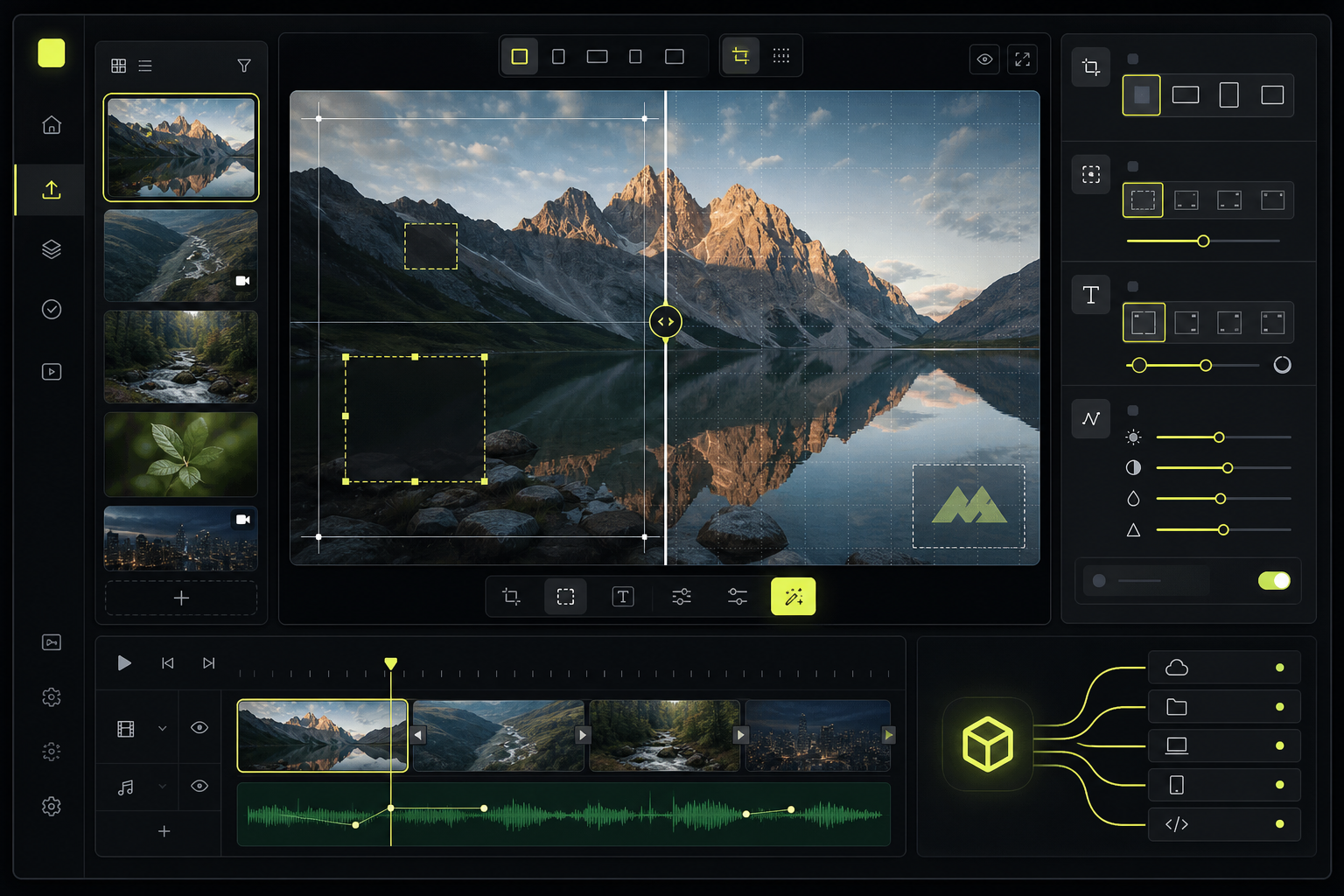
Prepare square, portrait, landscape, and thumbnail compositions. Focus controls and preview zoom keep framing deliberate before the crop is applied.
Reusable destination aspect ratios
Adjustable horizontal and vertical focus
Preview before replacing the current draft
Working development build · Beta Crop workspace
06 · Protect
Ready in build
Redact private regions
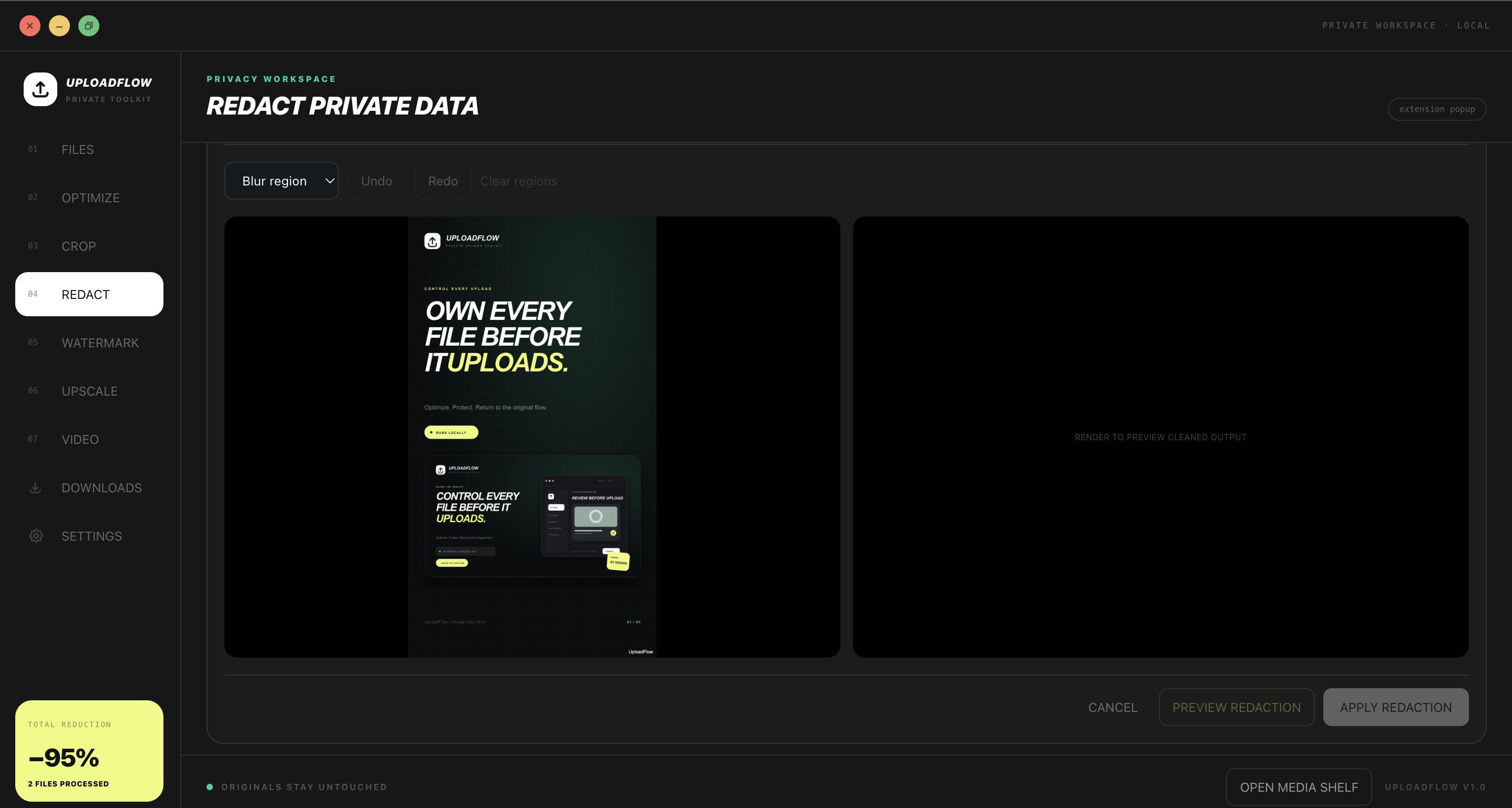
Draw blur or cover regions on the original, preview the cleaned result, and apply only after reviewing the before-and-after workspace.
Manual privacy regions
Undo, redo, and clear-region controls
Temporary preview before applying the output
Released feature · Current Redact workspace
07 · Brand
Ready in build
Apply a reusable watermark
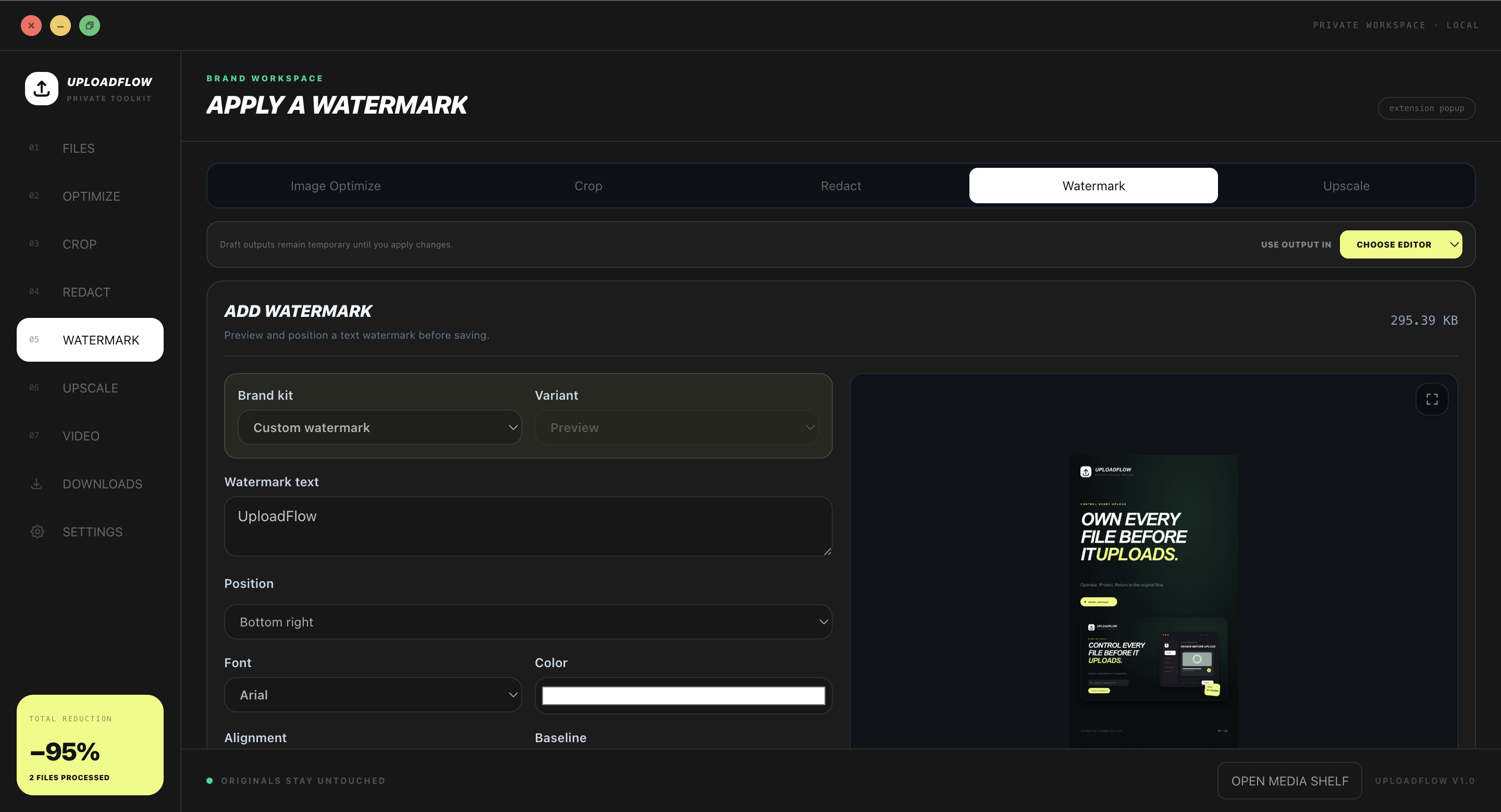
Use custom text or a saved brand-kit variant, then control placement, font, colour, alignment, and baseline against a live preview.
Text and brand-kit variants
Nine-point positioning
Reusable visual identity across outputs
Released feature · Current Watermark workspace
08 · Resolve
Ready in build
Upscale when resolution is missing
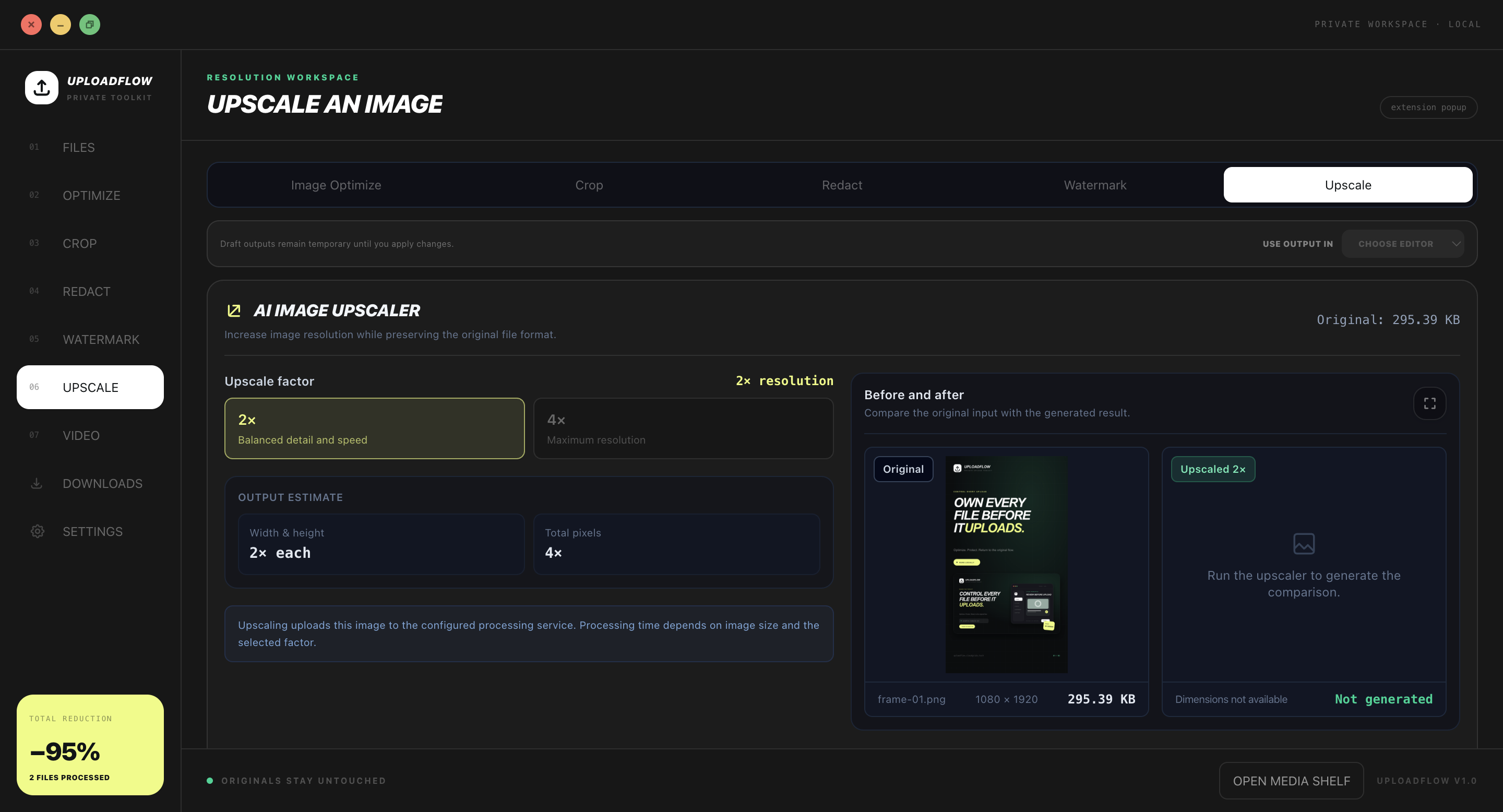
Choose a supported enlargement factor, inspect the estimated output dimensions, and compare the generated result with the original.
2x and supported 4x resolution modes
Before-and-after review
Explicit network action to the configured processor
Working development build · Network-backed beta
09 · Scale
In beta
Build batches and platform variants
Selected compatible items can enter a bounded queue. Platform packs generate purposeful variants with deterministic names and can be downloaded together as a locally assembled ZIP.
Bounded URL and CPU-heavy work concurrency
Per-item progress, retry, cancellation, and errors
Square, portrait, landscape, thumbnail, preview, and high-quality variants
Working development build · Beta side-panel controls
10 · Video
Planned
Trim and prepare video locally
The video workspace is being moved to a packaged FFmpeg Wasm pipeline for deterministic trimming, crop, resize, speed, audio, cover-frame, and broadly playable MP4 output.
Locally bundled worker and Wasm assets
Frame-accurate processing without real-time playback capture
Cancellable jobs with explicit progress
Prototype interface · Planned presentation
11 · Handoff
Ready in build
Return the approved File
When a destination asks for a file, UploadFlow retrieves the selected source on demand, opens review, and returns the approved File to the original input, drop, paste, or supported page API flow.
Continue returns the prepared File
Cancel discards the temporary result
Explicit Download hands progress and saving to Chrome
Ready in build · Extension workspace
12 · Download
Ready in build
Let Chrome own long-running saves
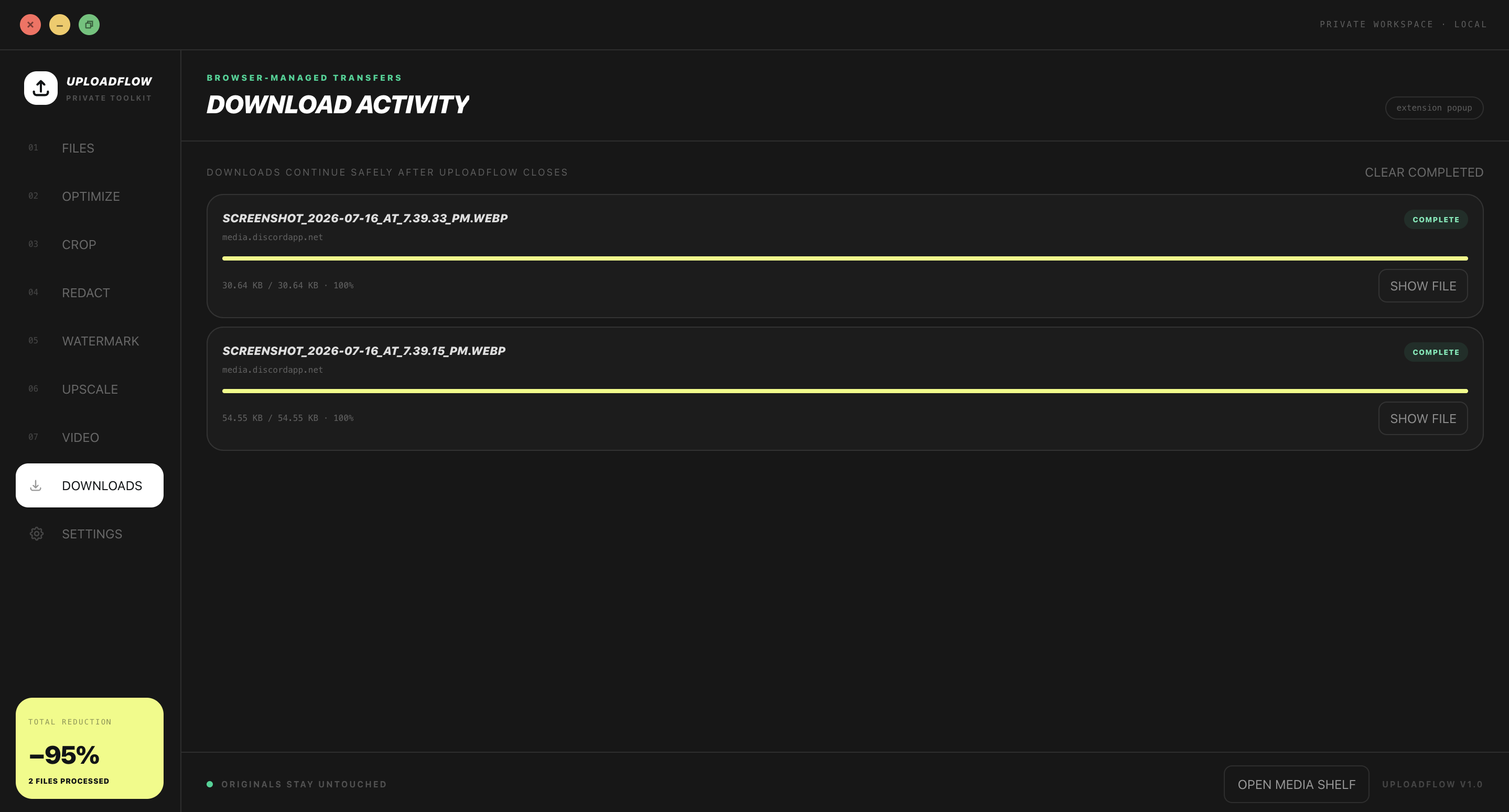
Explicit downloads continue through Chrome after the UploadFlow window closes. The activity view keeps their progress and completed state visible.
Browser-managed progress
Completed download history and Show file
Clear completed items without deleting saved files
Released feature · Current Downloads workspace
13 · Repeat
In beta
Optionally remember the workflow
Private history is disabled by default. When enabled, it stores bounded workflow metadata—not file bytes—with 7, 30, or 90-day retention and clear-all or per-destination deletion.
Local perceptual duplicate warnings
Repeat a previous editor workflow
No persisted fingerprints, scan findings, video frames, or temporary output bytes